September 18, 2026
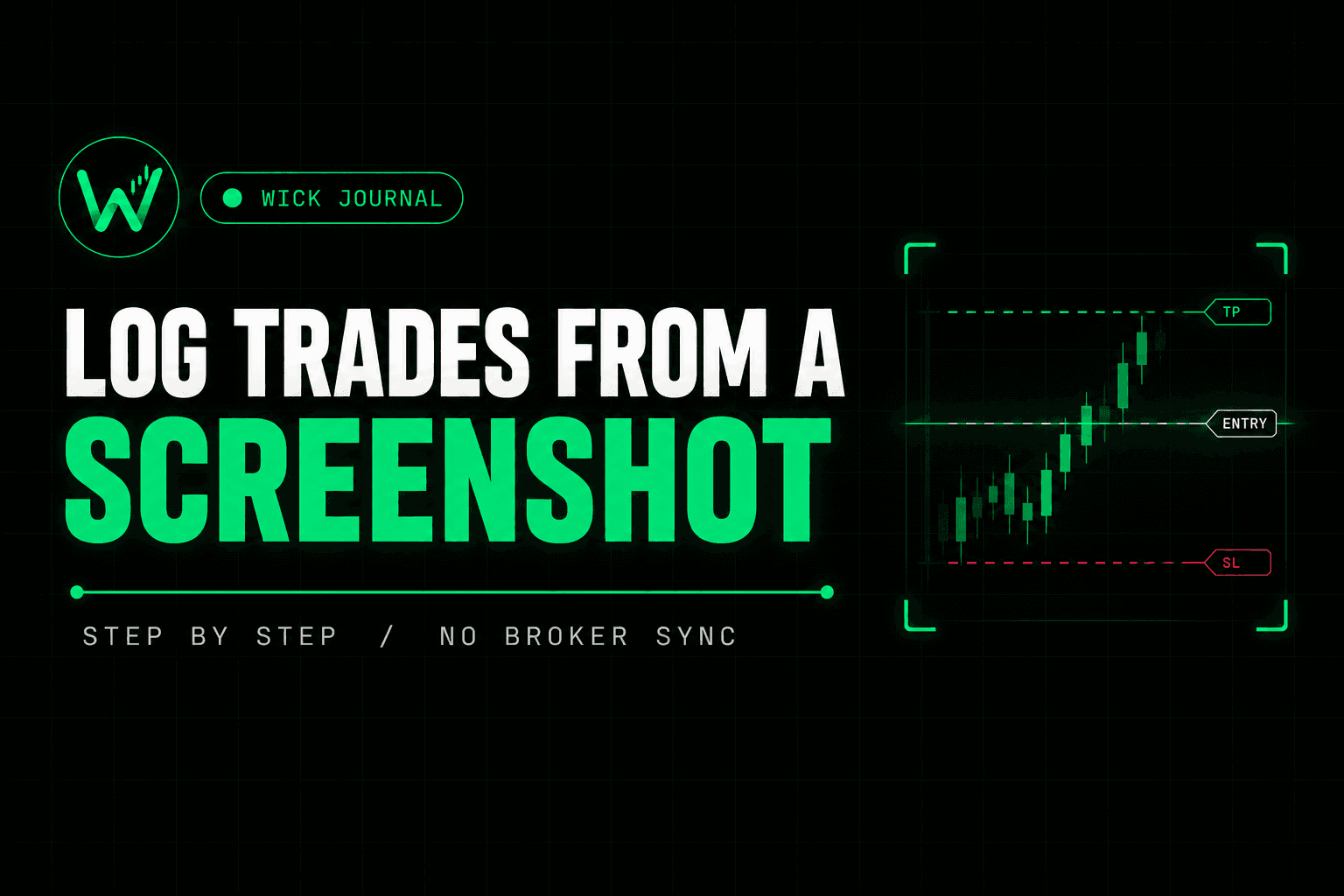
How to Log Trades From a Screenshot (Step by Step)
How to Log Trades From a Screenshot (Step by Step)
Every trade you take leaves a record on the chart: the entry, the stop, the target, the instrument, the timeframe. The slow part of journaling is not thinking about the trade. It is copying those numbers into a form afterward, and that step is where most journals quietly die.
A screenshot workflow removes the copying and keeps the review. This guide covers how to take a screenshot that logs cleanly, what to check before saving, and what the image can never record for you.
Why a screenshot works as a data source
Broker sync only helps if your platform supports it. Many prop firm accounts run on platforms with no export and no connection option, which is why so many traders end up logging by hand or not at all. If that is your situation, how to journal trades without connecting a broker covers the broader picture.
A screenshot needs no connection. If the trade is visible on your chart, it can be logged, on any platform, on any account type.
What the screenshot needs to show
A screenshot logs well when the chart contains everything the trade is made of:
- The trade still open. While a position is live, most platforms draw the entry, stop loss and take profit as lines on the chart. Once it closes, those lines usually disappear, and so does most of the data.
- The instrument and timeframe. Keep the symbol visible in the chart header or the position box.
- A readable price scale. The lines only mean something read against the axis, so do not crop it out.
- Position size or risk, if your platform shows it in the position box.
Take the screenshot right after entry, not at the end of the session. That single habit decides whether the trade can be logged accurately.
Take it from a clean chart
Charts loaded with indicators, zones, trendlines and drawings are harder to read, for people and for software. Every extra horizontal line is a possible false level.
The broker's own platform, showing only the trade lines, is the cleanest source. If your analysis lives on a heavily marked-up chart, that is fine for trading. Just switch to a clean layout of the same chart before taking the screenshot you plan to log.
The process, step by step
- Enter the trade and confirm the entry, stop and target lines are visible on the chart.
- Take the screenshot with the price scale and instrument name in frame.
- Upload it to the scanner in your journal.
- Review every extracted value: instrument, direction, entry, stop, target and size. Correct anything that does not match your platform.
- Save the trade as open.
- When it closes, record the result and add your notes.
The whole thing takes about a minute, which is the point. A journal only works if logging is cheap enough to do every time.
What to check before saving
Extraction is fast, but the review step is not optional. R multiples are calculated from the distance between entry and stop, so one wrong stop price produces a wrong R on that trade and pollutes every average built from it.
The mismatches worth looking for:
- Direction. A long logged as a short flips the sign of the whole trade.
- Decimals on instruments with different price scales. JPY pairs, indices and gold are the usual places a misplaced decimal hides.
- Stop and target swapped, which is easy to miss when both lines are far from the entry.
- Position size, especially if the platform shows lots and units in different places.
Compare each value against the platform for a few seconds. That check is what makes the journal trustworthy months later.
What a screenshot cannot log
A chart shows what happened. It does not show why.
The reason you took the trade, whether you followed your plan, how you felt when the stop got close, what you would change next time: none of that is in the image, and that is the part that actually improves your results. Add it by hand right after the scan, while the trade is fresh. Two minutes is enough.
The mechanical part of journaling is solved by the screenshot. The thinking part is not, and the thinking was always the goal. If you trade a prop firm challenge, how to journal prop firm trades covers what is worth recording in that context.
Common mistakes
- Screenshotting after the trade closes, when the lines are already gone.
- Cropping out the price scale, which makes the levels impossible to read.
- Stacking several positions on one chart, so the lines overlap and the wrong ones get picked up.
- Skipping the review because the extraction looked right at a glance.
The scanner in Wick Journal follows exactly this flow: upload the screenshot, review the extracted values and save. The free plan includes scans, so the first trade takes a few minutes to log and the habit builds from there.
Frequently Asked Questions
Does this work with any trading platform?
With any platform that draws the entry, stop and target on the chart. How well it works depends on how clearly those lines are shown, which is why a clean chart matters.
Do I need to connect my broker?
No. The screenshot is the only input, so there are no credentials to share and no platform support to wait for.
What if a value is extracted wrongly?
Correct it before saving. The review step exists for exactly this, and a few seconds of checking is cheaper than a corrupted average.
Can I log a trade that has already closed?
Yes. Enter it manually, or use a screenshot if your platform still draws the entry, stop and target on the chart after the close.
Is manual entry still possible?
Yes, always. Some traders prefer typing entries because writing them out is part of their review, and that is a legitimate reason to skip the scanner entirely.
Related posts
How to Journal Trades Without Connecting Your Broker
Broker sync does not cover every platform, and manual entry gets abandoned. The third approach, what it…

How to Journal Prop Firm Trades and Pass Your Challenge
A journaling system for prop firm challenges: targets, drawdown, and the consistency rule, from a trader with…
Why Traders Stop Journaling After Two Weeks
The dropout is not a discipline problem. It is a structural one, and the data explains exactly why the habit…